01SPU → SKU master
Each product groups its SKUs with variant, barcode, unit cost, SRP and source (created in SellerTiger, synced from the ERP or a price table). New products can be created in SellerTiger first. SKUs with the same code are matched automatically when they appear in the ERP, and a merge tool handles different codes.
02Price tiers that drive the rules
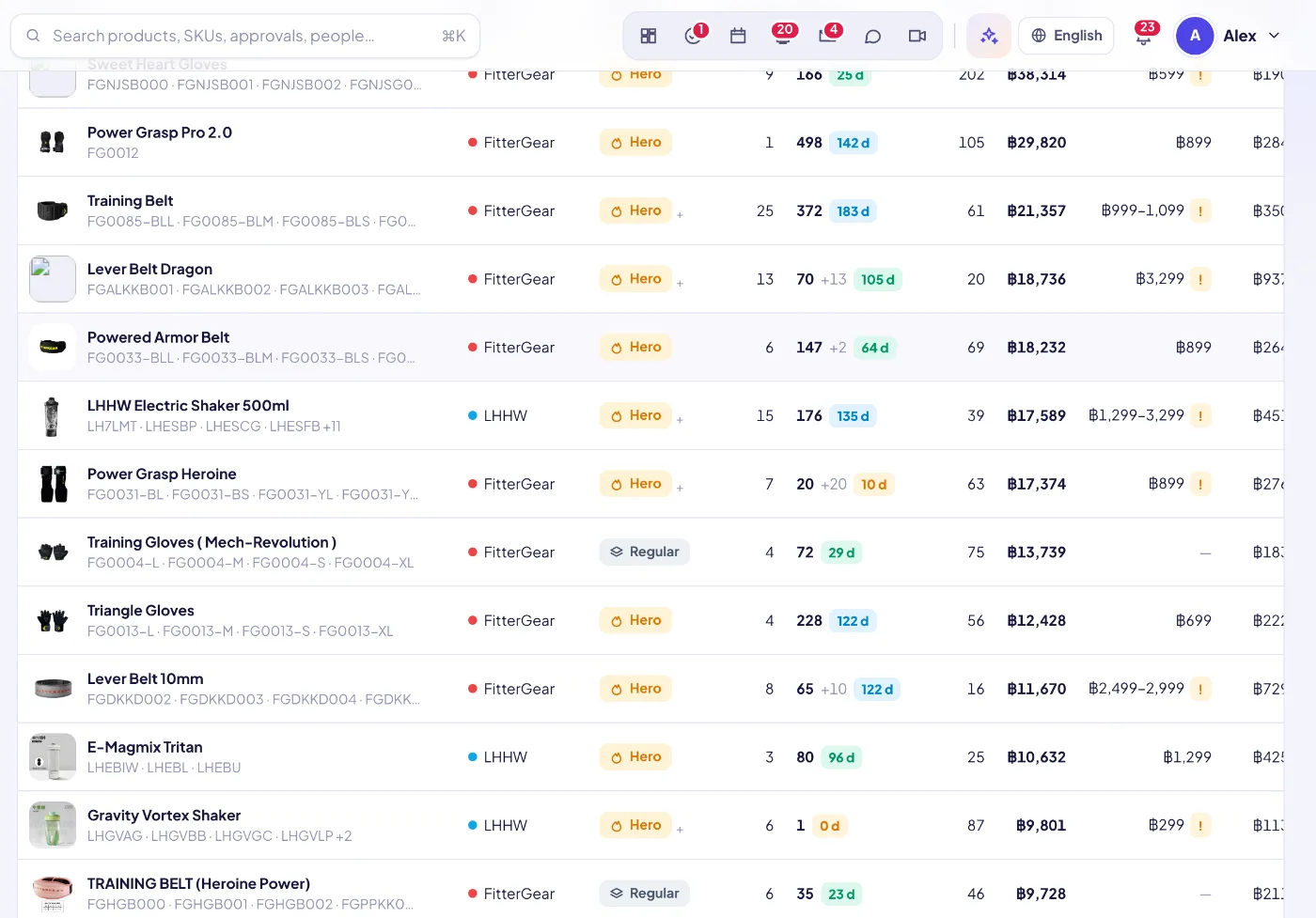
Every product sits in a tier: hero, new hero, regular or clearance. The tier sets its net floor and price rules. Changing a tier applies directly for pricing managers and goes through a price-change approval for everyone else.
03Stock with days of cover
Stock, units on the way, days of cover and a daily stock history. Hero products under 14 days of cover are counted at the top of the list.
04What buyers actually paid
The Paid prices tab shows paid amount ÷ units per order line, after platform and shop discounts. It includes the median, P10–P90, the change over the last 4 weeks, price bands, the weekly median and the median per SKU.
05Strategy vs reality
For every SKU and platform, it compares list price, target buyer price, actual median, the gap and the net margin against the floor.
06Competitor price monitor
Paste competitor product links from Shopee, Lazada, TikTok or a web shop. The public page is checked once a day for what a buyer pays now, with a search fallback, and blocked or removed listings are flagged. A chart compares the price with your own median buyer-paid price.
07AI: find competitors and our listings
Search each platform with your keywords, and one cheap AI call scores every result and explains why. Your own store’s listings are recognized and can be added to Platform links instead.
08Platform links
Your own product pages on the web store, LINE Shop, Shopee, Lazada and TikTok are kept per product. Each link is checked (OK, unpublished, broken), and links can be read in bulk from a web-store API by SKU code.
09Images and assets
Upload, paste or pick an image from the asset library to override the ERP image. ERP syncs never overwrite it. Product assets and linked content, campaigns and creators sit on the same page.
10AI product-mix review
AI reviews the whole range: which products should become hero or new hero, which should go to clearance, where stock risk is highest, and three actions for this week. It uses only the numbers given.