
One calendar for the business
Sale days, public holidays, content, creator deadlines, campaigns, stock arrivals, LINE broadcasts, subscription charges, approval deadlines, task due dates and meetings — as layers you switch on and off.
Content drives traffic, marketplaces convert it, and the data lands in SellerTiger. Teamwork is the last step of that loop: the people who read the numbers can decide, assign, approve and talk about them in the same place — without copying anything into another app.
Sale days, public holidays, content, creator deadlines, campaigns, stock arrivals, LINE broadcasts, subscription charges, approval deadlines, task due dates and meetings — as layers you switch on and off.
Approving a purchase order, a creator deal or a campaign creates the follow-up tasks; finance checks, mail and chat messages become tasks in one click. All of them link back to the object they are about.
Price changes, content, creator deals, samples, campaigns, purchase orders, stocktake variances, LINE broadcasts and data imports — with system checks, AI review and automatic follow-up on approve.
Direct chats, groups and channels, threads, read receipts, pins, flags — plus product, order or campaign cards in the message, and a SellerTiger AI bot that turns the discussion into tasks.
Gmail or Lark Mail with labels, snooze, scheduled send, undo send, templates, AI summaries and replies, shared team mailboxes, and any conversation linked to a supplier, PO or creator.
In-app video calls scheduled on the calendar, with live captions, shared notes and AI minutes that turn decisions and action items into tasks.
Target everyone, a team or specific people, pin to the Home page, require acknowledgment and see read receipts per person.
Key results tied to live metrics — sales, content published, response rate, on-time tasks — with weekly check-ins and a transparent leaderboard.
Each person’s Home page gathers what needs them today: tasks, approvals waiting, unread announcements, meetings and module widgets.
Connect your own Google or Lark account to pull calendars, Lark tasks and mail into SellerTiger; Lark chats can be bridged when the workspace turns it on.
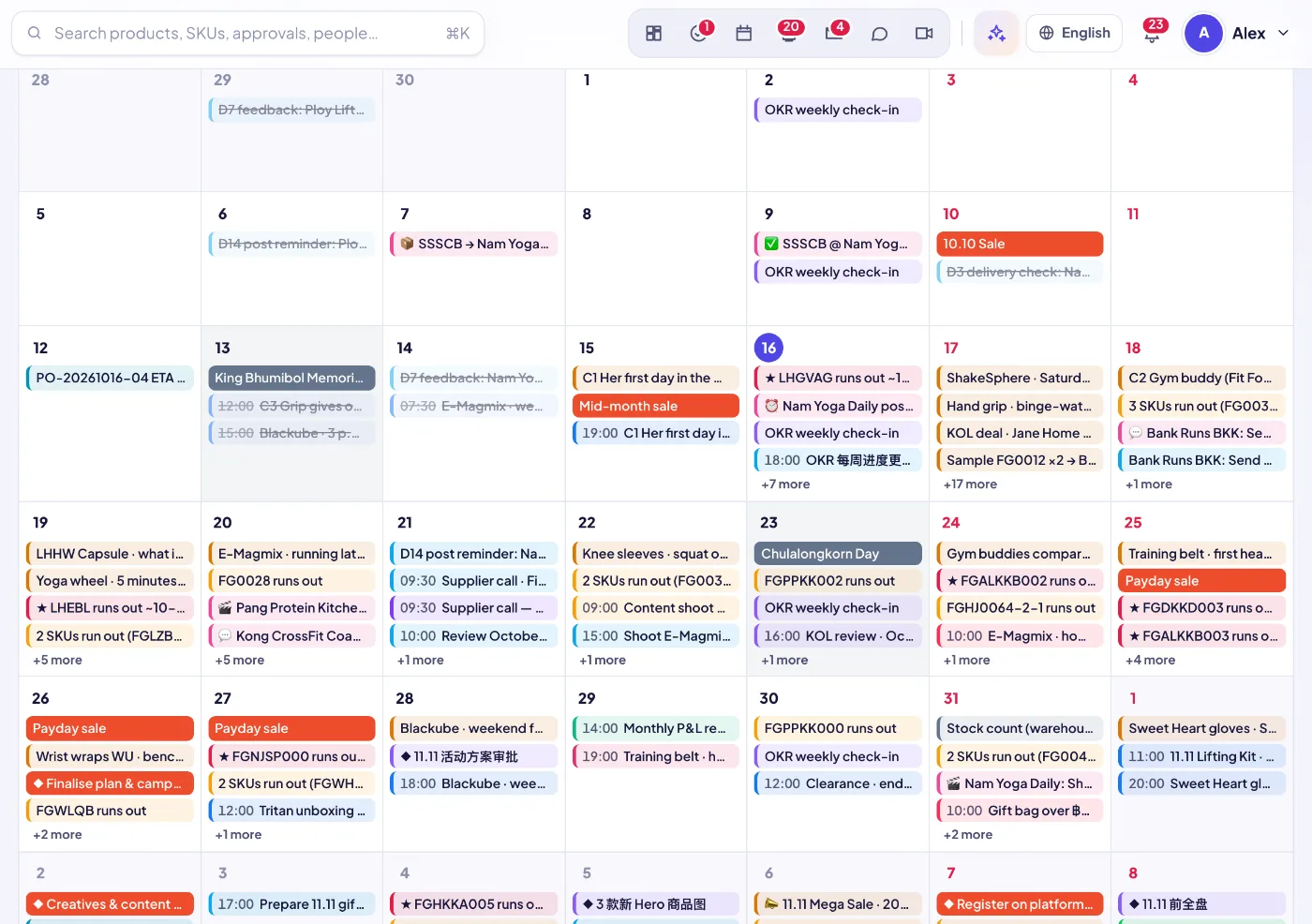 Team calendarSales, content, creators, campaigns, arrivals, tasks and meetings on one calendar.
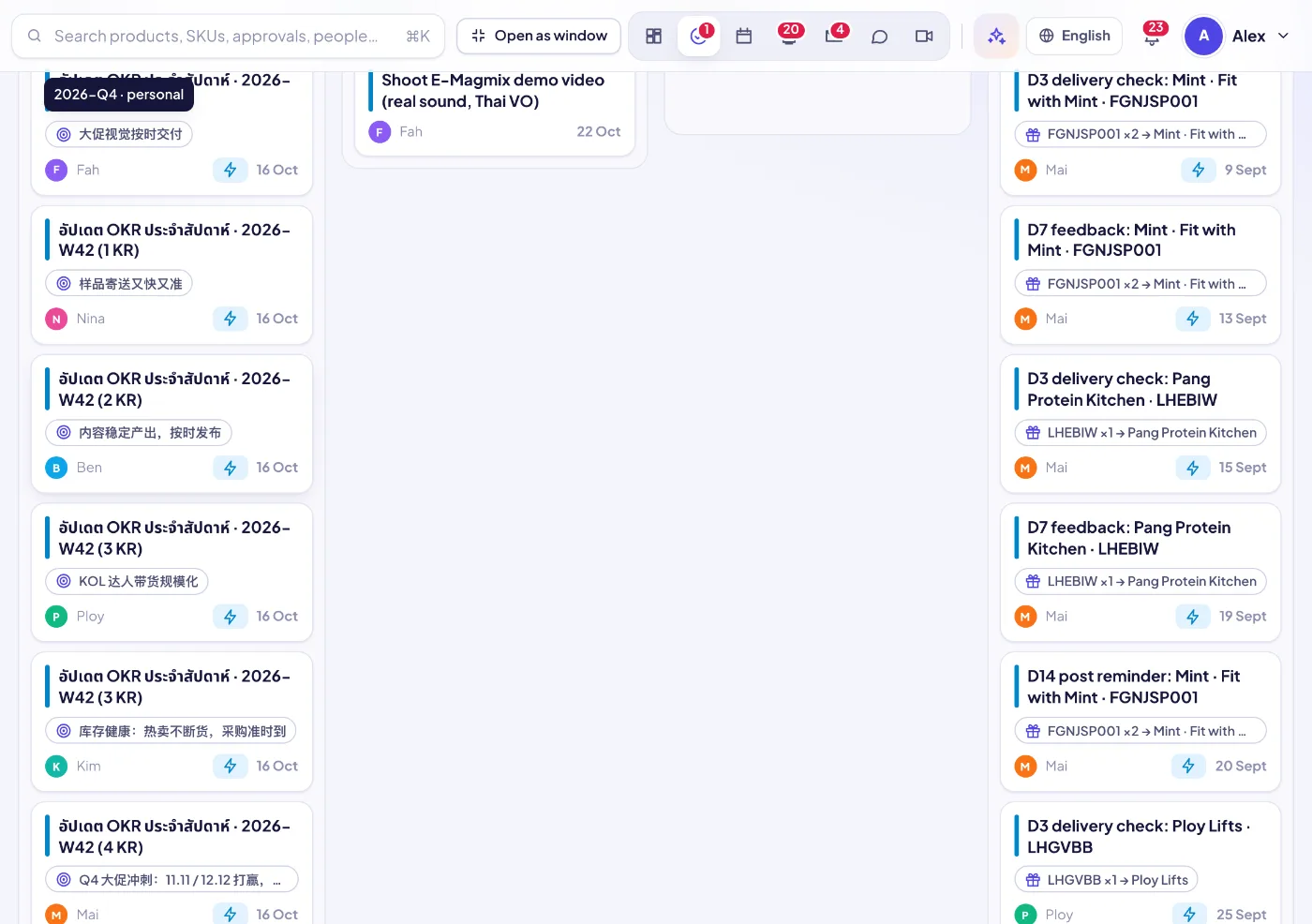
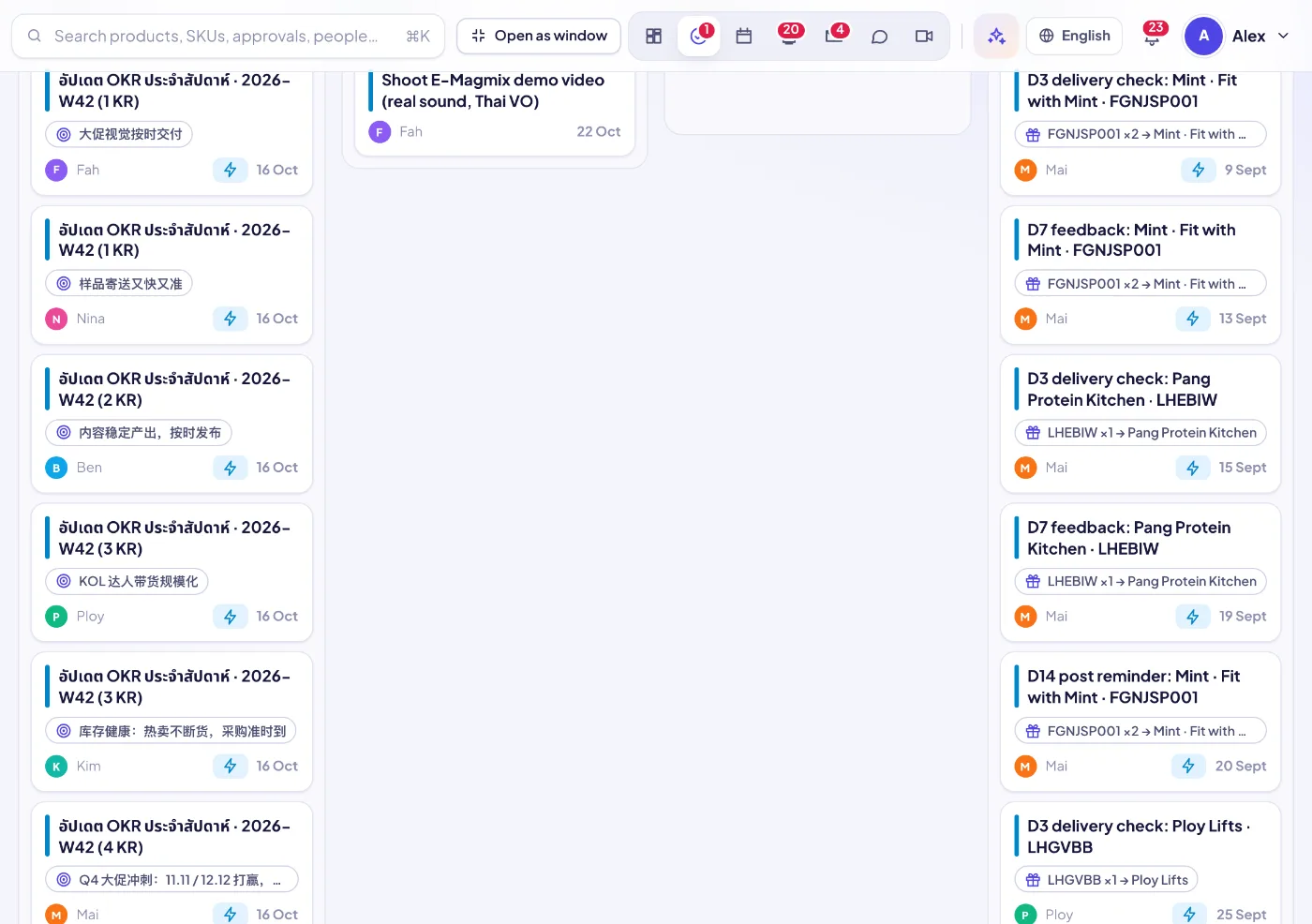 TasksOne task list for the company — every module hands out work into it automatically.
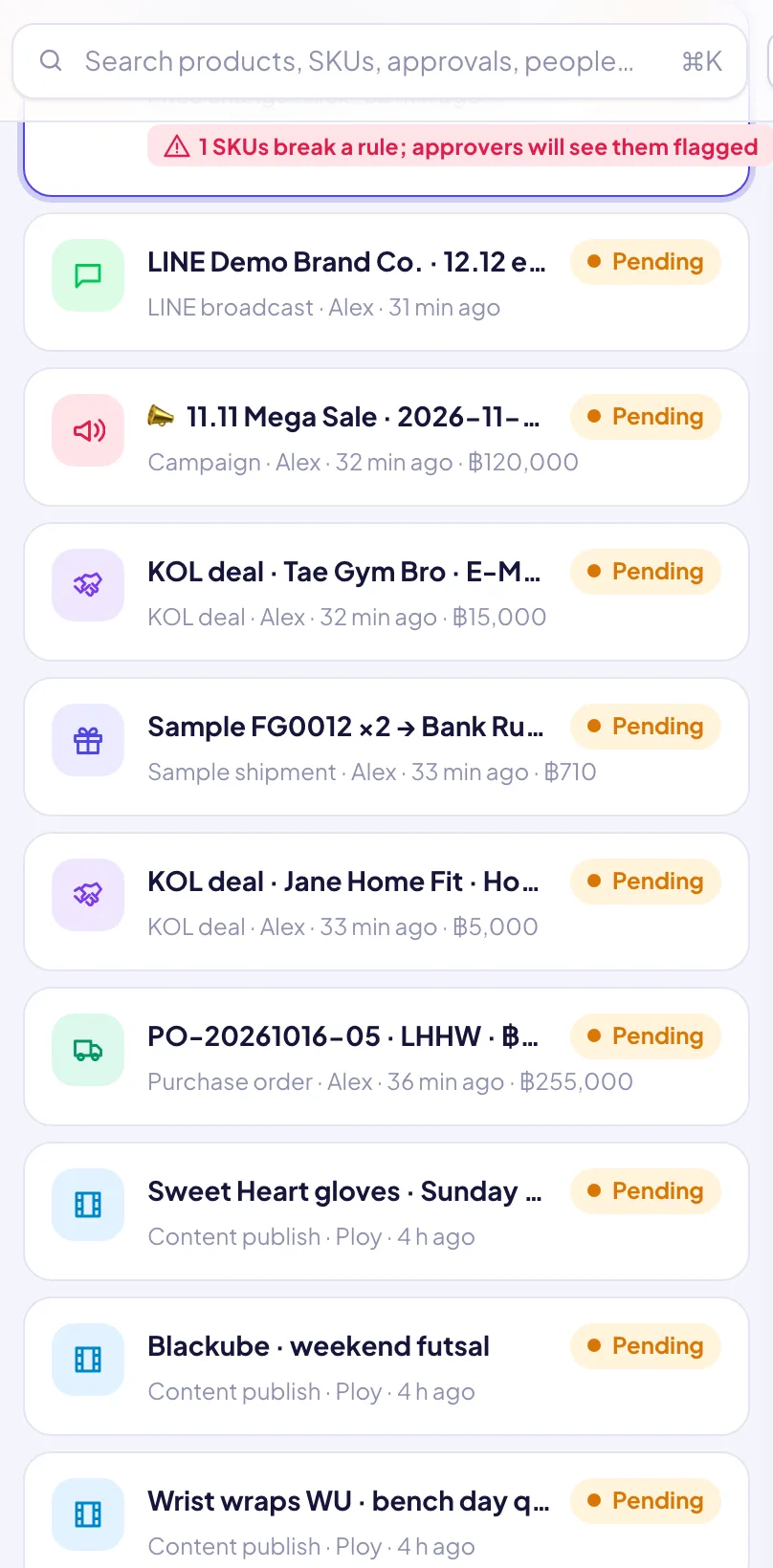 ApprovalsOne approval inbox for every request, with system checks, AI review and automatic follow-up.
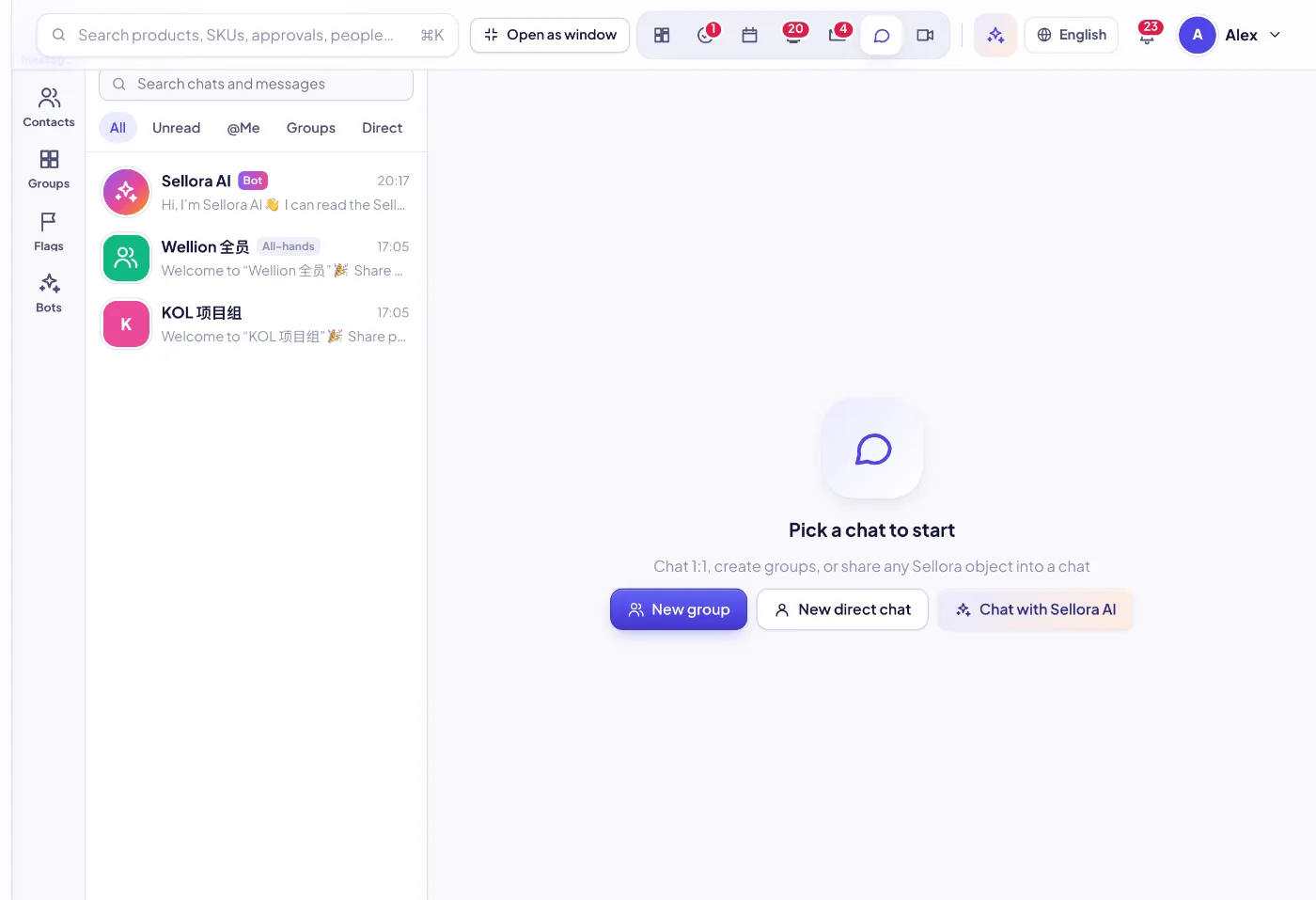
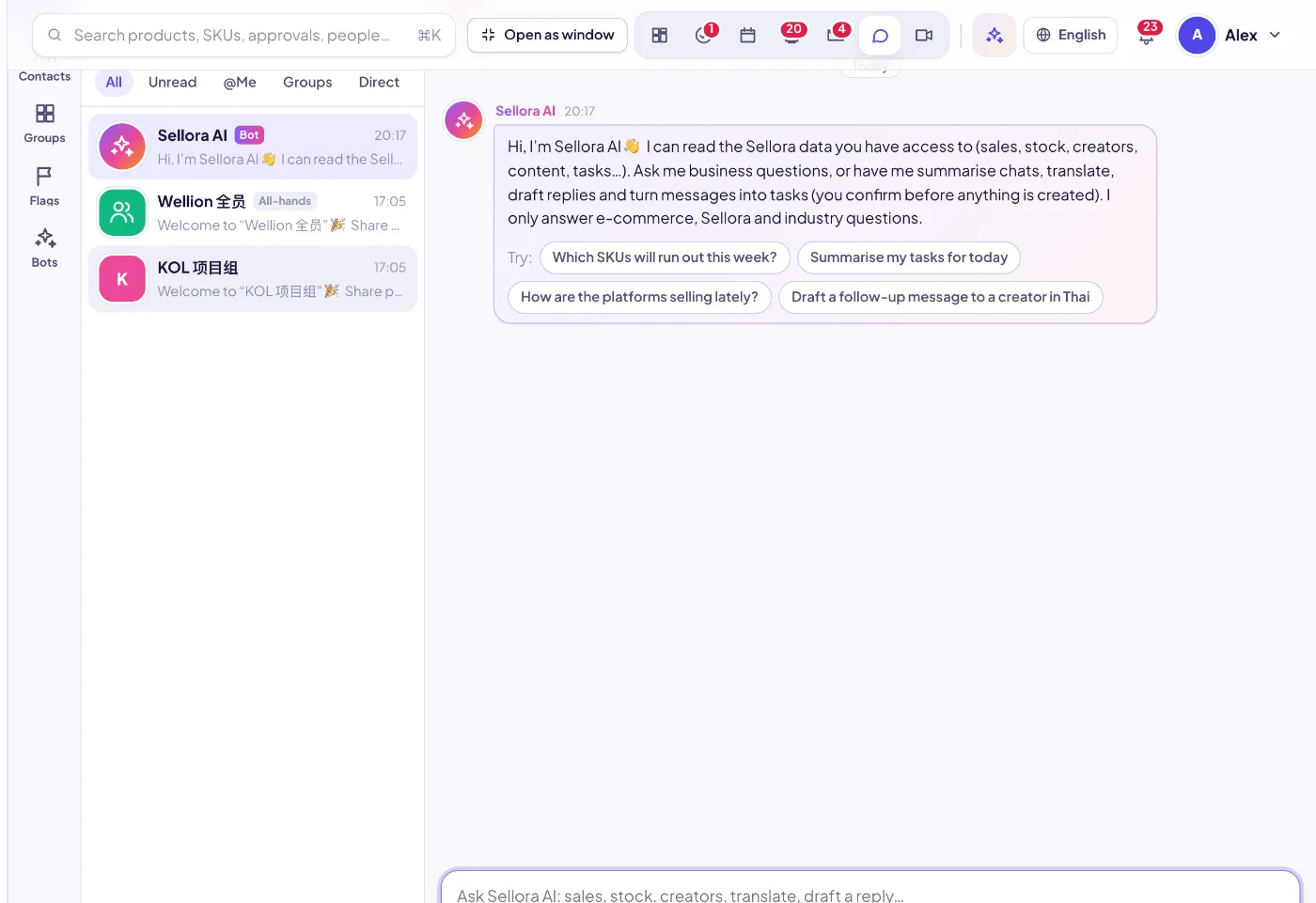 Team chatChats, groups and channels with SellerTiger objects, message-to-task and an AI bot.
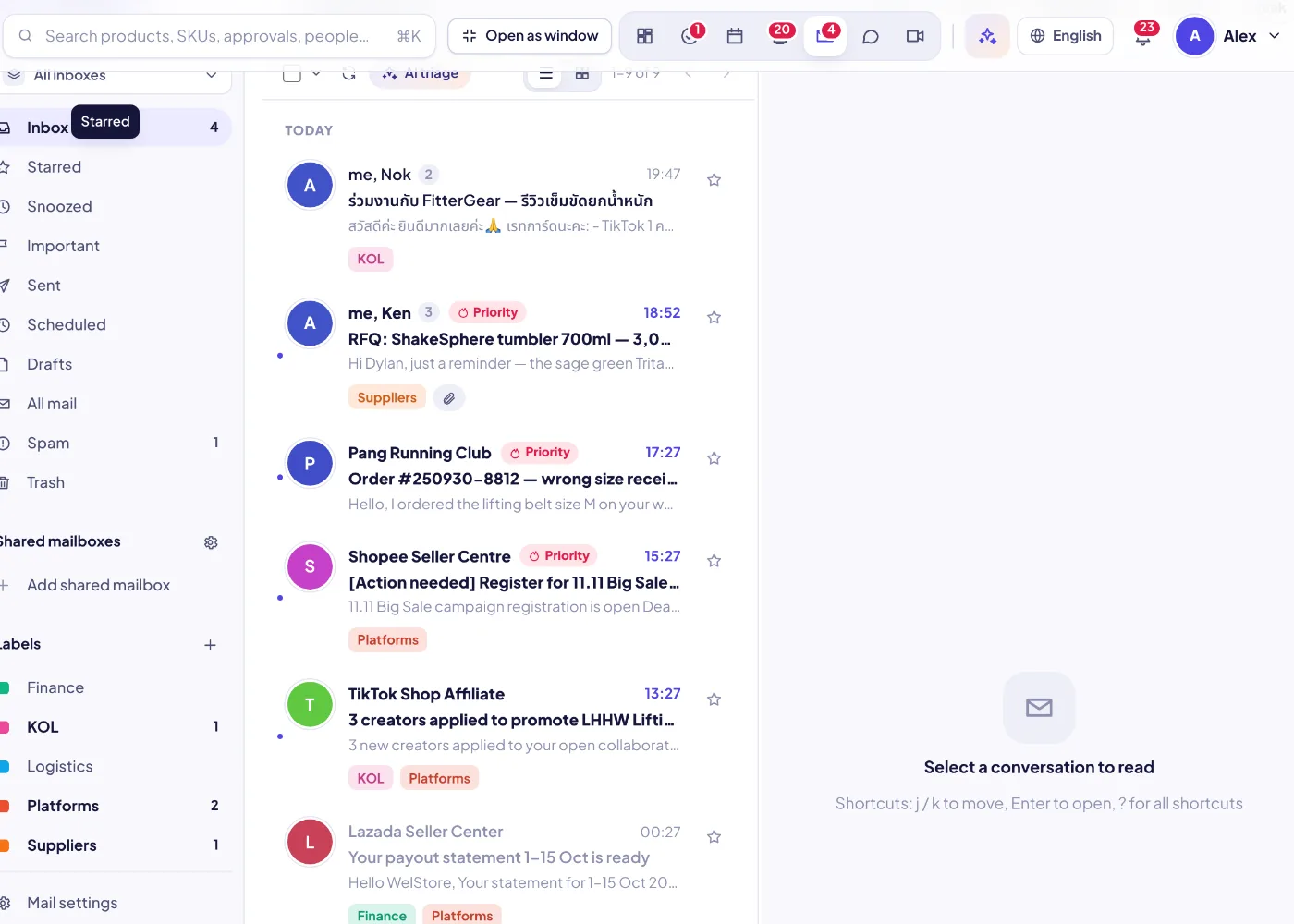 MailYour Gmail or Lark mailbox in SellerTiger, with AI and links to suppliers, POs, creators.
 Video meetingsIn-app video calls on the calendar, with live captions and AI minutes that become tasks.
 AnnouncementsPublish to the right people, pin what matters, and see who has actually read it.
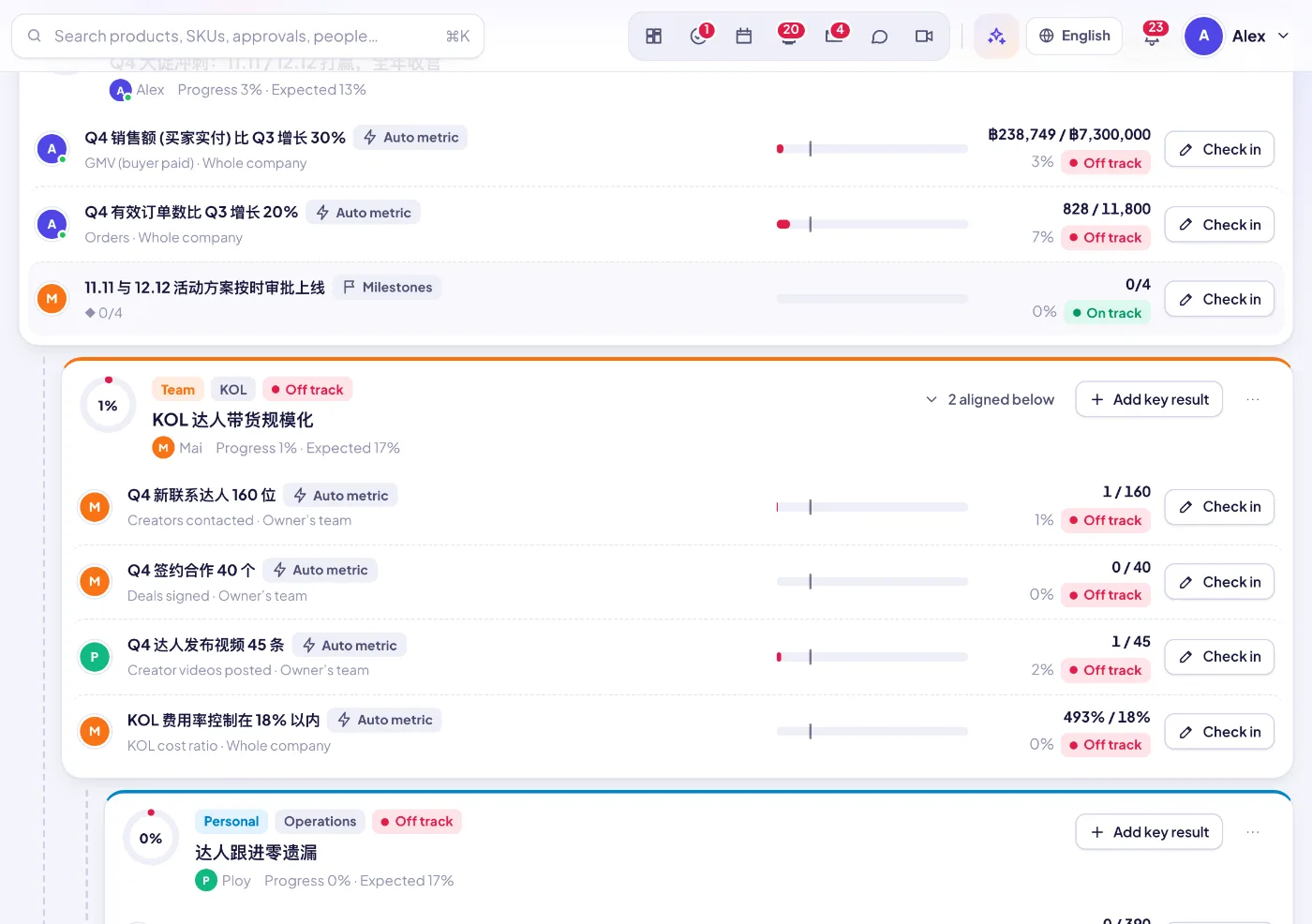 OKRs & performanceKey results measured from live data, weekly check-ins and a transparent leaderboard.
Orders, ads, content and stock data flow into SellerTiger from APIs and imports.
A dashboard, alert or check shows something to act on.
Raise an approval, create a task, or discuss it in chat or a meeting — linked to the exact object.
Approvals book the money, create tasks and notify people; due dates land on the calendar.
Finished tasks, check-ins and decisions feed OKRs and the leaderboard — the next round of decisions.
Sign up free in a minute — you start on the Free plan and can upgrade any time. Bring your team, connect your shops and watch the numbers move.