
Pricing and margin calculator
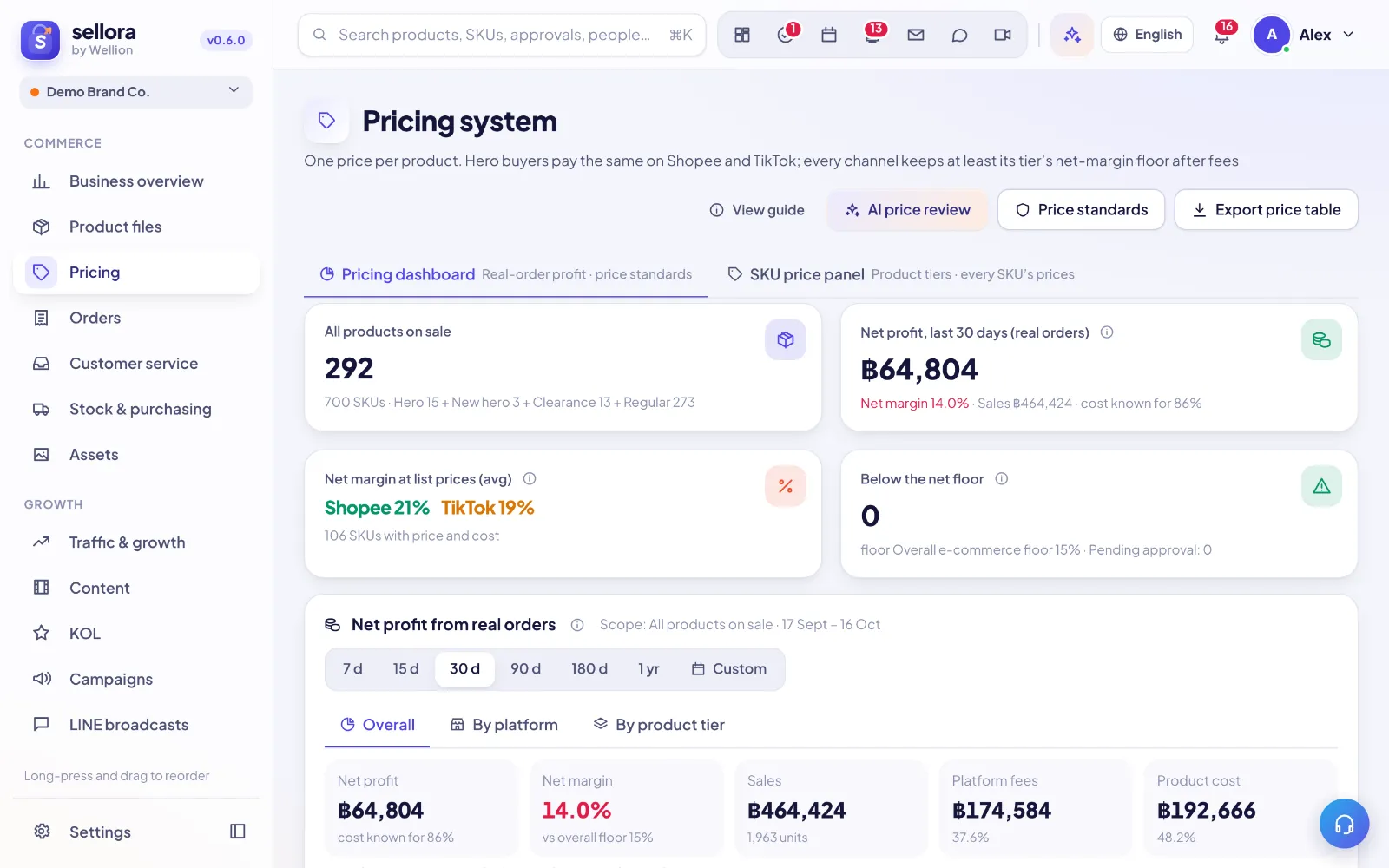
Pricing shows, per SKU and platform, what you keep after platform commission, payment fee, shipping subsidy, vouchers and product cost.
How margin is calculated
Margin = (selling price − platform fees − payment fee − shipping you pay − voucher you fund − product cost) ÷ selling price. Fee percentages come from Settings → Fee rules, so keep them up to date when a marketplace changes its fees.
Platform-set, our choices and actuals (set the strategy first, then verify with orders)
The price table and the SKU window split the numbers into three color-coded bands:
- ① Set by the platform: commission, transaction and service fees and VAT — kept in Settings → Fee & tax rules.
- ② Set by us: shop vouchers, coins cashback, website discount and creator / affiliate commission (per-order costs that follow every order) and ads (a budgeted cost: a period budget spread over sales). In Settings → Fee & tax rules → Strategy defaults you set per-platform defaults and on/off switches, plus a monthly ads budget (converted to a % of price as monthly budget ÷ expected monthly sales, or enter a % directly). Hero / new hero / clearance / regular can have their own defaults.
- ③ Actuals: once orders come in, the actual discount, creator commission rate, ads share and platform fee rate over the last 30 / 90 days are compared with the plan. Revenue is our sale price (buyer paid + platform-funded vouchers, or the settled amount when settlement details exist), never what the buyer paid; platform-funded vouchers are shown separately as “platform-funded” and are never counted as our subsidy or compared with the plan.
Why strategy first? A new product has no orders yet, so you cannot "calculate" the right voucher or commission — you decide it. Each SKU inherits the platform default (grey "default"); a single SKU can get its own value or be reset to the default (both through price approval). Every net margin, floor price, KOL max commission and campaign price check uses "SKU value, else default". When orders arrive they verify the plan: an actual rate above the plan by more than the tolerance (1 percentage point by default) turns red, missing data shows "no data", and the SKU window re-checks net margin, floor price and campaign minimum price at actual costs (✓ passes / ⚠ fails, with the gap). Actuals never change the plan; to change the strategy, edit the defaults or request a price change.
Tips
- Set a minimum margin per tier (hero, clearance…) — prices below it are highlighted.
- Price changes can go through an approval before they are applied.
- Only people who may see costs (leaders and founders by default) see cost and margin columns.
Inside SellerTiger, press the headset button to ask the AI assistant or open a support ticket.