
Learning center / Products, orders & customer service
Inventory, stock in/out and purchasing
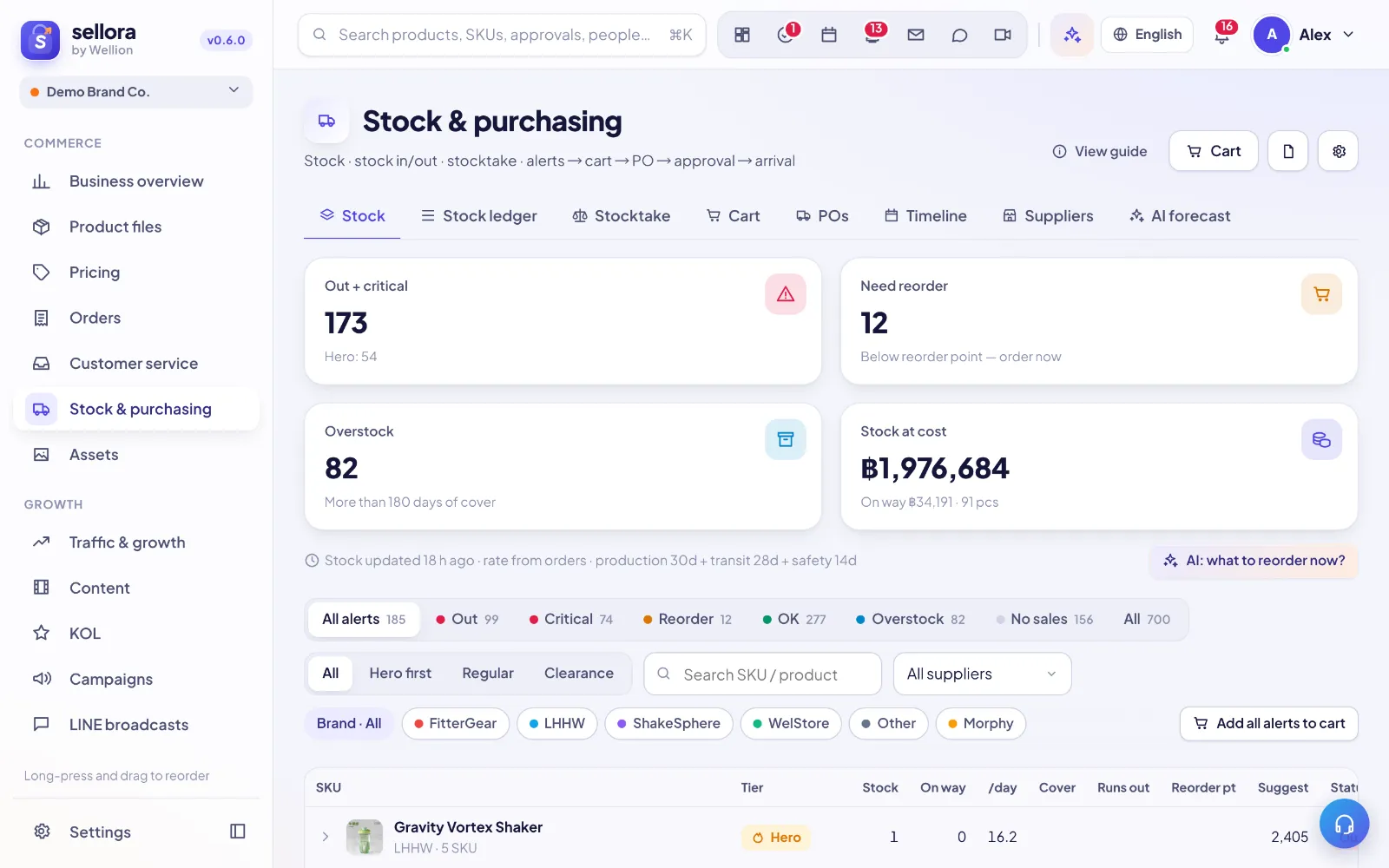
Stock levels
Inventory shows on-hand, reserved and available stock per SKU and warehouse. When a marketplace or ERP is connected, stock syncs automatically; otherwise record movements yourself.
Manual movements
- Stock in — receiving goods (from a purchase order or ad hoc).
- Stock out — damage, samples, internal use. Choose a reason so reports stay clean.
- Stocktake — count a location, scan barcodes with a USB scanner or phone camera, review differences, then confirm. Differences become adjustment movements with your name and time.
Purchasing
Create purchase orders for suppliers, track ordered → shipped → received, and receive partially. Received quantities post stock in automatically and the cost goes to the ledger.
Forecast & reorder (Growth plan and above)
SellerTiger estimates daily sales per SKU from recent orders and suggests reorder quantities based on lead time and safety stock. Click the (i) next to each number to see the formula.
Still need help?
Open in SellerTigerInside SellerTiger, press the headset button to ask the AI assistant or open a support ticket.