
One workflow, every source
Synced Shopee, Lazada, TikTok Shop and web-store orders and orders you create yourself (offline, LINE, Facebook, wholesale) all run: check → pick → scan-verify & pack → print → scan handover → after-sales.
Content brings the buyers, marketplaces convert them. SellerTiger pulls every order into one place, runs the same packing flow for synced and manual orders, and links each order to the buyer chat, the stock it needs and the creator who brought it.
Synced Shopee, Lazada, TikTok Shop and web-store orders and orders you create yourself (offline, LINE, Facebook, wholesale) all run: check → pick → scan-verify & pack → print → scan handover → after-sales.
Queue tiles for To process, Short of stock, Overdue (paid more than N hours ago and not handed over — the limit is yours), Exceptions and After-sales to do. Every order also shows a plain-language “next step”.
Open orders claim stock first-come-first-served by paid time; an order is flagged short when its turn comes and there is not enough. Combo SKUs expand to their components; processing a short order needs an explicit confirmation.
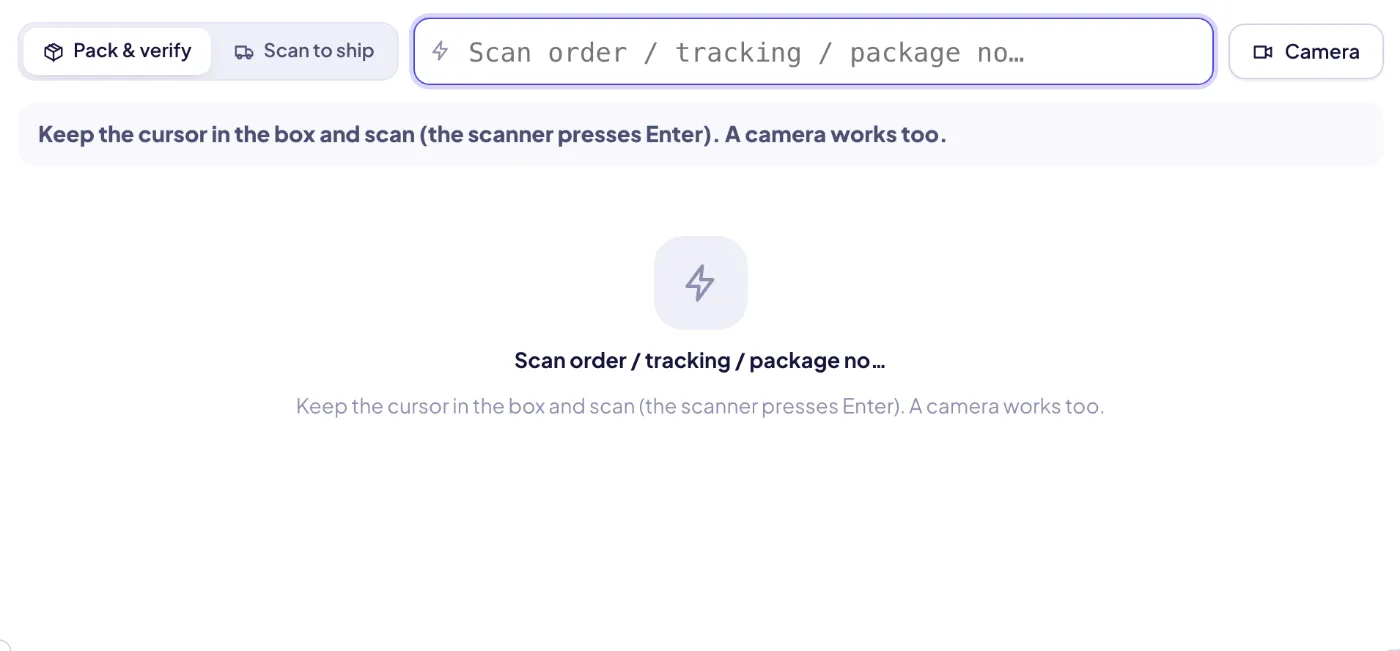
Scan the order or tracking number, then every item barcode (camera works too). Wrong item, over-scan, canceled, on hold, unpaid or no address are shown as big warnings; a team lead setting can make the scan check mandatory.
Scan packed parcels into a handover batch per courier, catch duplicates and wrong carriers, then print the manifest for the courier to sign. Flash, Kerry, J&T, Thailand Post, SPX, Ninja Van and DHL credentials can be stored per workspace.
Picking list sorted by bin, packing list, package slip, generic label and courier manifest — each with its own paper size (A4, A5, A6, 100×150 or 100×100 thermal, 80 mm roll, custom), margins, fields and a print language independent of the app language.
Hold orders with a reason (stock, address, payment, customer request, damage), catch cancellations after picking (put items back) or after handover (intercept), and log return, refund, exchange, missing, damaged or wrong-item cases.
Buyer chats are matched to orders from platform order cards, order numbers typed in messages and the same buyer in the same shop. The order window shows the chat, and you can reply to the buyer right there.
Each shop has one active source (direct API > platform export > BigSeller > AI reading > Excel/manual) with a source badge. A record from another source updates the existing row in place, so notes, holds, scans and KOL marks survive.
Batch-search by pasting many order numbers, save team views, keep a customer address book (matched by buyer ID, phone or email — never by name alone), and ask AI for the next step or a polite Thai message to the buyer.

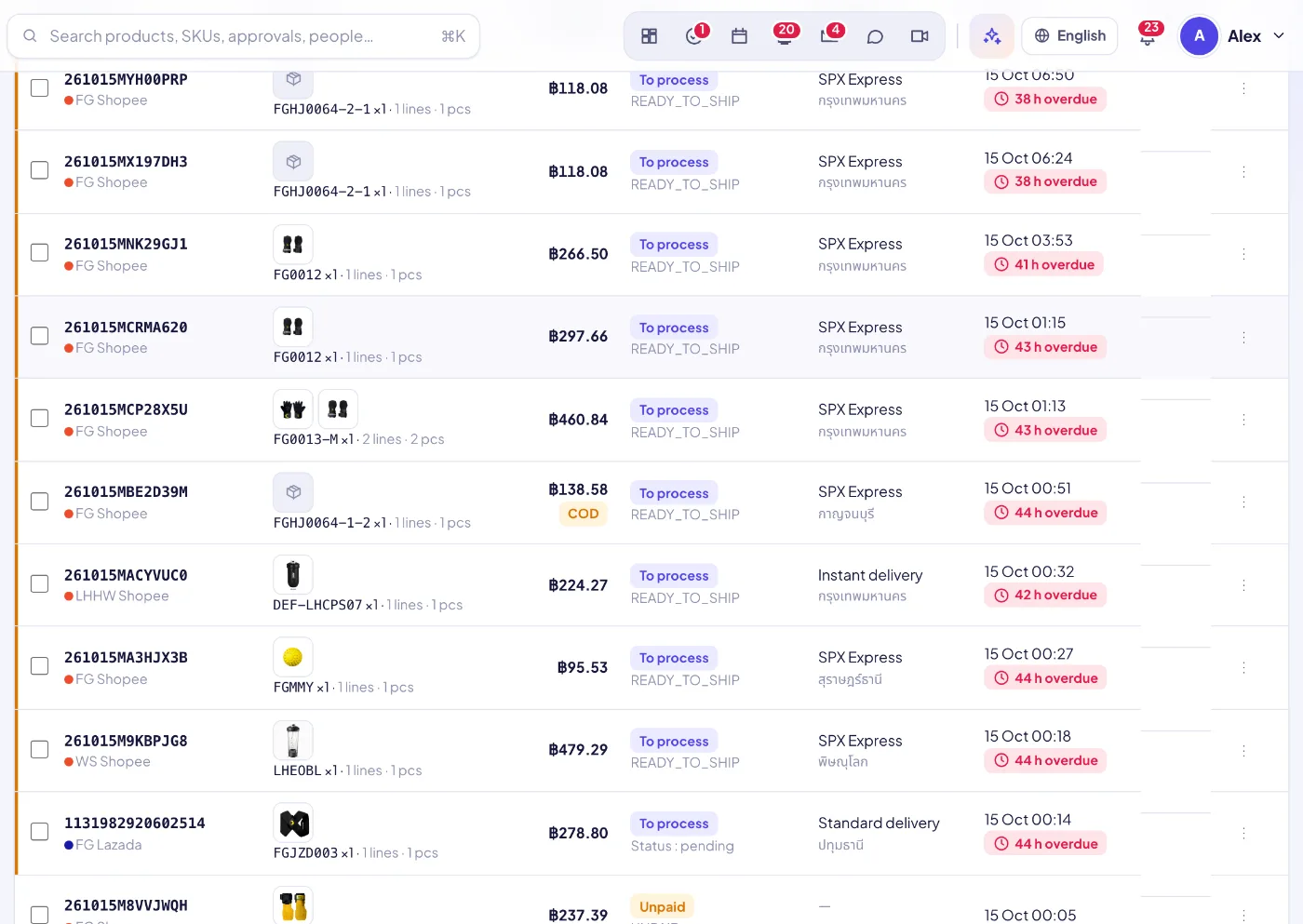
Orders arrive from connected shops, imports or the New order form, de-duplicated across sources.
Stock, address and notes are checked; short or problem orders go to a queue or on hold.
Print the bin-sorted picking list, then verify every item at the scan station and print label + slip.
Scan parcels into a courier handover and print the manifest; manual orders can take stock out here.
Returns, refunds and complaints are logged on the order and linked to the buyer chat.
Sign up free in a minute — you start on the Free plan and can upgrade any time. Bring your team, connect your shops and watch the numbers move.