
Instant, with a sound
Publishing notifies the whole audience at once with a sound; important and urgent announcements go out as high-priority notifications.
A new price rule, a campaign kickoff, a change in how orders are packed — some things the whole team must know. Announcements reach exactly the people they are for, instantly, and tell you who has read and acknowledged them.
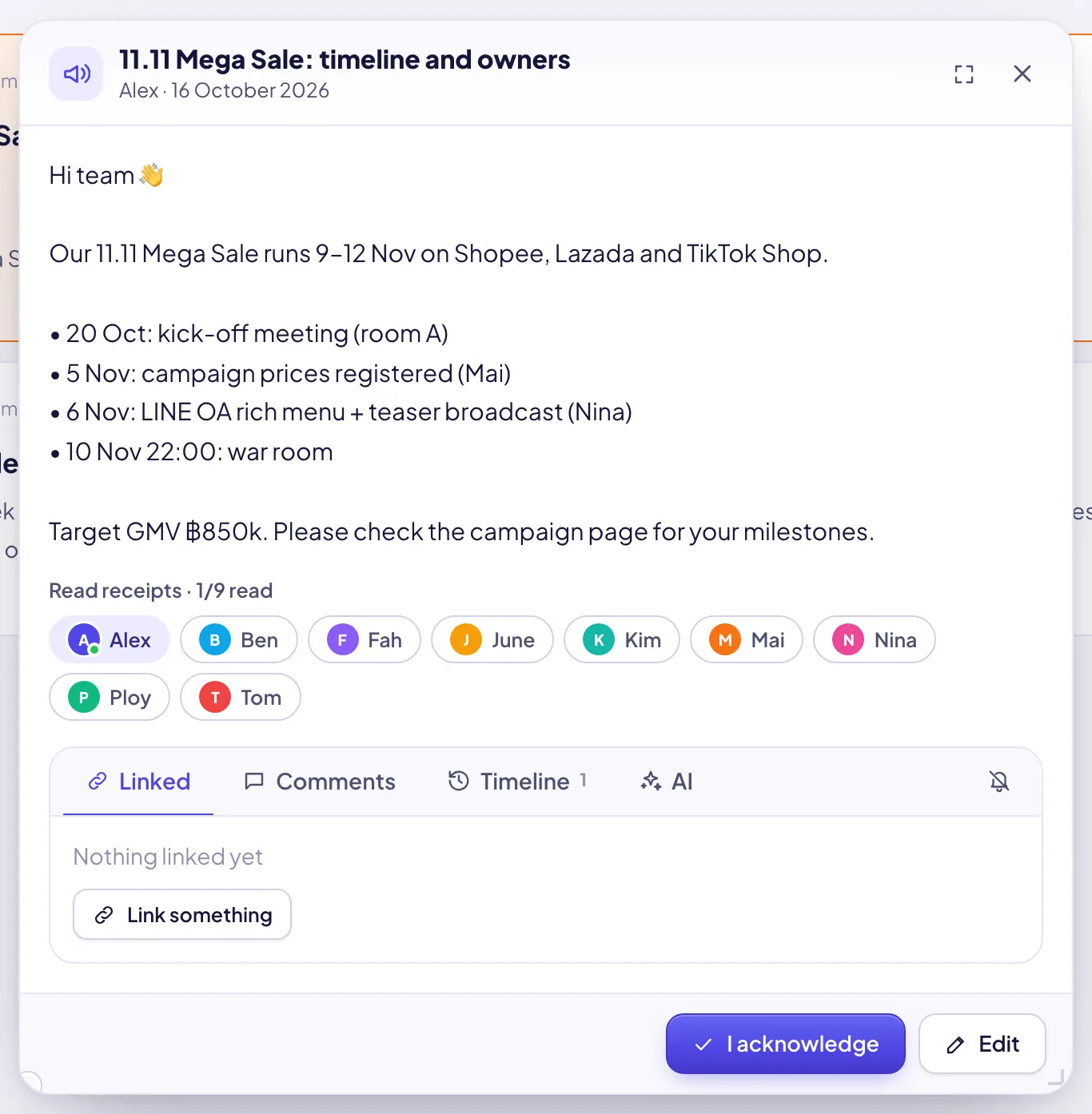
Publishing notifies the whole audience at once with a sound; important and urgent announcements go out as high-priority notifications.
Everyone, one or more teams, specific roles, or specific people — and only they can see it.
Opening an announcement marks it read. The author and managers see every recipient as read or not, with the time on hover, and an “n / m read” count on the card.
For rules and policy changes, ask people to press “I acknowledge”. The acknowledgment is logged and shown in the receipts.
Pinned announcements stay on everyone’s Home page; unread ones show there until they are opened.
Normal, important or urgent, an optional expiry date after which it leaves the Home page, and an optional cover image.
Save a draft, review it, publish when ready. Authors and managers can edit or delete from the right-click menu.
Type the points, and AI turns them into a clear, friendly announcement — with a second-language version for a mixed team.
Each announcement carries comments, links and its activity log like any other SellerTiger object, and is searchable.

Type the points or let AI draft it, choose priority, cover and expiry.
Everyone, teams, roles or people; pin it and require acknowledgment if needed.
The audience is notified instantly; it appears on their Home page.
Read receipts and acknowledgments show who is up to date — follow up with the rest in chat.
Sign up free in a minute — you start on the Free plan and can upgrade any time. Bring your team, connect your shops and watch the numbers move.