
Sale days built in
Double days (1.1, 2.2 … 12.12), the mid-month sale on the 15th and payday sales on the 25th–27th are added automatically, next to public holidays.
Content goes out on a schedule, sale days come round every month, stock arrives on a date and creators owe posts by a deadline. The team calendar is fed by every module, so nobody has to copy dates from one tool to another.
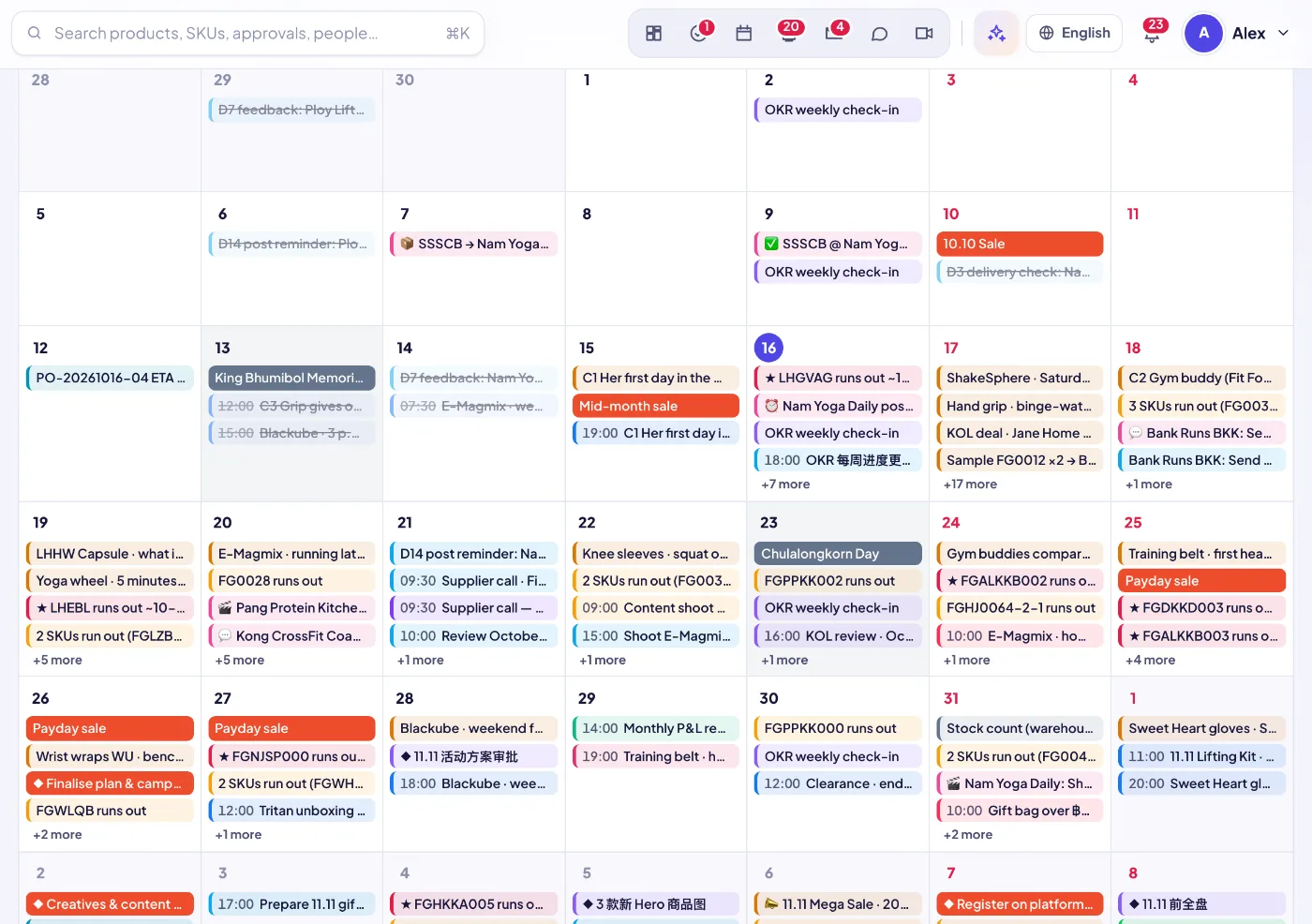
Double days (1.1, 2.2 … 12.12), the mid-month sale on the 15th and payday sales on the 25th–27th are added automatically, next to public holidays.
Content schedule, social auto-posts, creator deal due dates and sample shipping / delivery / post-due dates, campaigns, LINE broadcasts, PO departures and arrivals, stock-out dates, subscription charges, approval deadlines, task due dates, OKR dates and meetings.
Hero SKUs that will run out appear one by one on the expected day; other SKUs are grouped per day so the calendar stays readable.
The team view shows everything you have access to. My calendar narrows it to my events, my tasks, approvals waiting for me, holidays and sale days.
Switch views, step through periods, jump to today. Right-click a day to create an event there; click any item to open the order, deal, PO or content it belongs to.
Create private events or show them to the team, invite colleagues (they are notified), add a place or meeting link and a reminder.
Event reminders are sent by the server, so they fire even when nobody has SellerTiger open.
Connect your own Google or Lark account and your events are mirrored into SellerTiger (about every 15 minutes, read-only, with a link to open them at the source and a join button for meeting links).
Hide what you don’t need; your choice is saved to your profile and follows you to every device.
Content, creators, campaigns, inventory, tasks, approvals and meetings each register their dates as a layer.
Google or Lark events of people who connected their account are mirrored in.
Team or personal view, month / week / list, with layers on or off.
Every item opens the object it comes from, so you act on it right there.
Sign up free in a minute — you start on the Free plan and can upgrade any time. Bring your team, connect your shops and watch the numbers move.