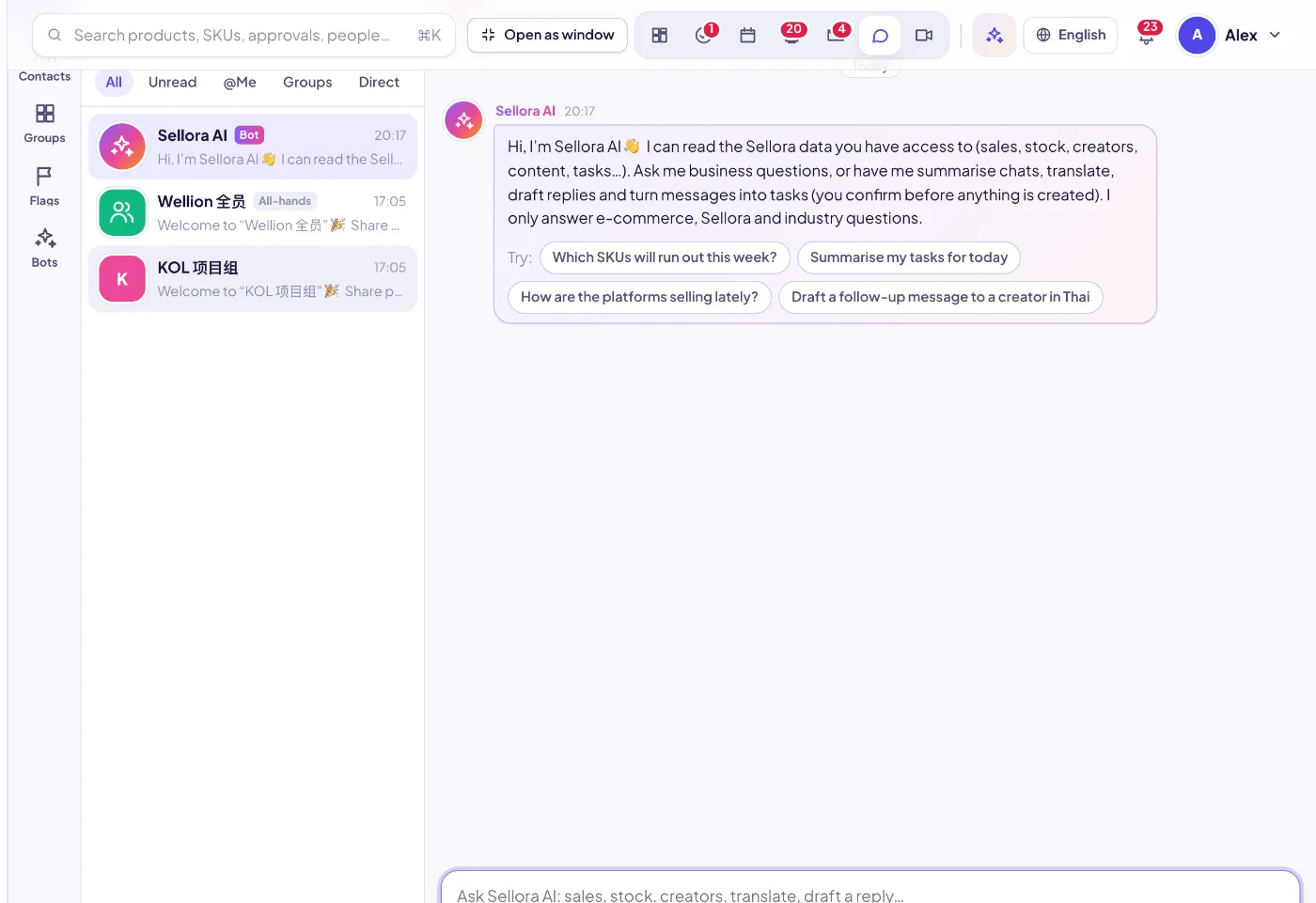
01Everything a team messenger needs
Direct chats, groups and announcement channels where only admins post, an all-hands group, threads, replies, quotes, reactions, @person and @all, pins with a pinned bar, read receipts per message, edit and recall within 24 hours, mute and pin to top.
02SellerTiger objects in the chat
Share a product, order, campaign, PO or any other object as a card that opens it with one click. Links and shared items are collected in the chat info panel.
03Message → task or event
Right-click a message to turn it into a task (assignee, due date) or a calendar event for the chat members; the chat logs who created it.
04SellerTiger AI in the group
Add the SellerTiger AI bot to a group and @mention it to summarize the discussion, translate, draft a reply, answer from the business data the asker may see, and propose tasks that the asker confirms.
05AI summary of what you missed
One click summarizes the unread messages of a busy group.
06Translate any message
Translate a message to Chinese, English or Thai in place — useful for mixed-language teams and suppliers.
07Files that stay private
Drag, paste or pick files; only members of the chat can download them, and forwarding grants access to the new chat only.
08Flags and favorites
Flag messages as personal follow-ups or save them as favorites; favorites keep a copy even after you leave the chat.
09Contacts and profiles
Profile cards with online status, last seen, local time, team, groups in common and shared files; external contacts (suppliers, creators) with how to reach them.
10Bridge to Lark chat
When the workspace turns it on, a SellerTiger conversation can be bridged to a Lark user or group: messages go out as you, and replies come back into SellerTiger.