01Created by the work itself
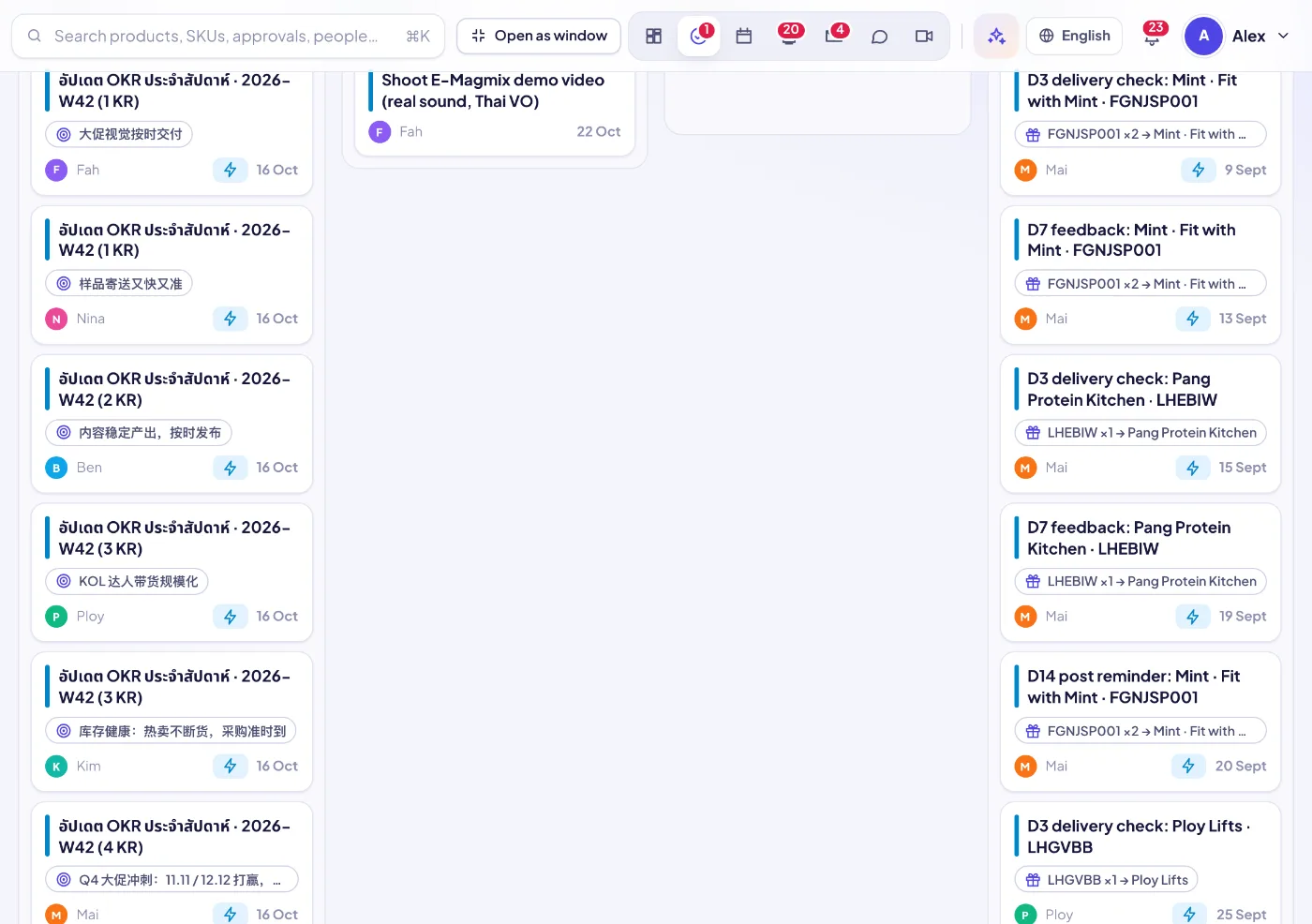
Approving a PO creates “send the PO to the supplier”; an approved creator deal or sample creates the follow-up; campaign milestones become tasks; approved content gets a publishing task. Marked “Auto” so you know where it came from.
02From any conversation
Turn a chat message into a task, let the SellerTiger AI bot propose tasks from a discussion, extract action items from an email, or create tasks from meeting minutes — each linked back to its source.
03Board or list
A kanban board with To do, Doing, Review and Done (drag to move), or a list grouped by Overdue, Today, This week, Later and No due date. Filter by Mine, Assigned by me or Team, by person and by text.
04Priority, due date, checklist
Four priority levels, a start and due time, a checklist you add to with Enter, and points for how much the task is worth.
05Warned before it is late
An hour before a task is due (or once it is overdue), the assignee gets a high-priority notification with a sound — sent by the server, even when the app is closed.
06Counts toward OKRs
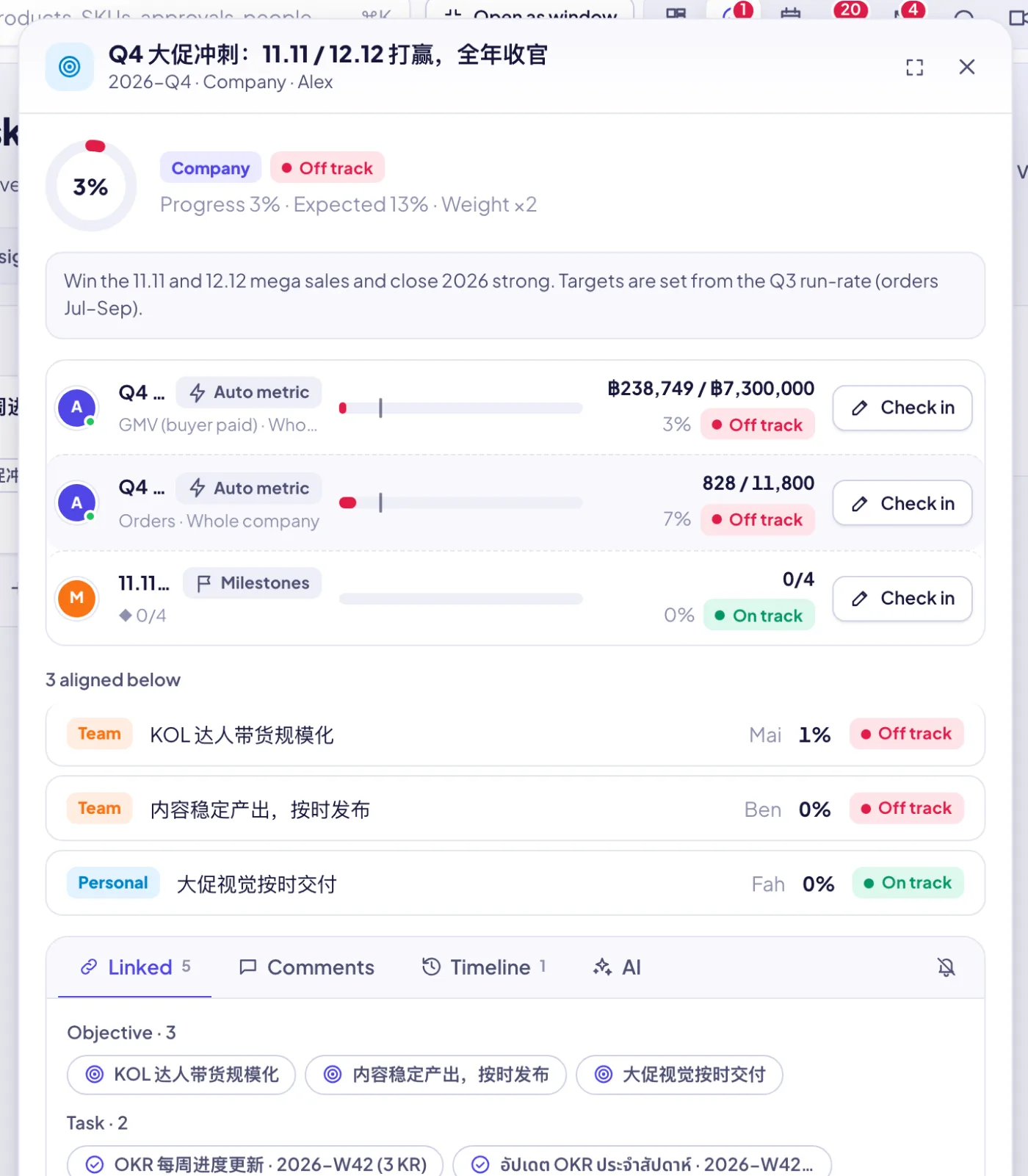
Link a task to a key result; finished tasks, their points and on-time rate feed the OKR leaderboard.
07Data tasks for manual uploads
When data has to be exported by hand (daily, monthly or every N days), a leader dispatches a data task from the Data Center: what to export, from where, for which dates, and a drop zone. It stays pinned on top as urgent.
08Uploads checked before import
The file is only previewed, then checked — period range, volume against earlier periods, columns against the template, duplicates, shop coverage — and AI gives a short verdict. A leader approves, and exactly the previewed file is imported (with undo). Rejected files go back with the reason.
09Lark tasks mirrored in
People who connect Lark see their Lark tasks here. Title, status and dates stay owned by Lark; priority, key result, points and checklist can be added in SellerTiger.
10Every task on the calendar
Tasks with a due date appear on the team calendar and on the assignee’s own calendar.